
For learning tools
Make Your Tool Launchable from Any LTI® 1.3 LMS
Create a free accountNo Protocol Code
LTIAAS performs the LTI® 1.3 handshake, verifies both parties and redirects the user to your launch URL. Displaying a tool takes no code at all.
Your Own Domain
Every account gets an ltiaas.com subdomain. You can point a domain of your own at our servers instead.
Documented End to End
Guides cover account setup, LMS registration and every service, with request samples in seven languages.
Receive Your First LTI® Launch in Minutes
Register an LMS, point us at a URL, and LTIAAS performs the handshake and redirects the user to your application.
What Is It
LTI®, which stands for “learning tools interoperability”, is the standard that lets a learning management system embed and exchange data with a tool like yours. Implementing LTI® 1.3 and its services means handling OAuth2 flows, JWT signing, key rotation and a different registration process for every LMS vendor.
LTIAAS Launch does that part. You register your tool with us once and give us a target launch URL. When a user clicks your tool inside an LMS, the launch arrives at LTIAAS, we complete the protocol handshake, and we redirect the user to your URL with an `ltik` token appended.
That token, combined with your API key, authenticates calls to the LTIAAS API. From there the same set of endpoints works no matter which LMS the launch came from: read who the user is, list the course roster, create grade lines, submit scores, or return content through deep linking.
Product Features
Receive Your First Launch
Register your tool in an LMS, point us at a launch URL, and LTIAAS handles the rest of the handshake. Query parameters you add to the LTIAAS launch URL are passed straight through to your application.
Receiving your first launch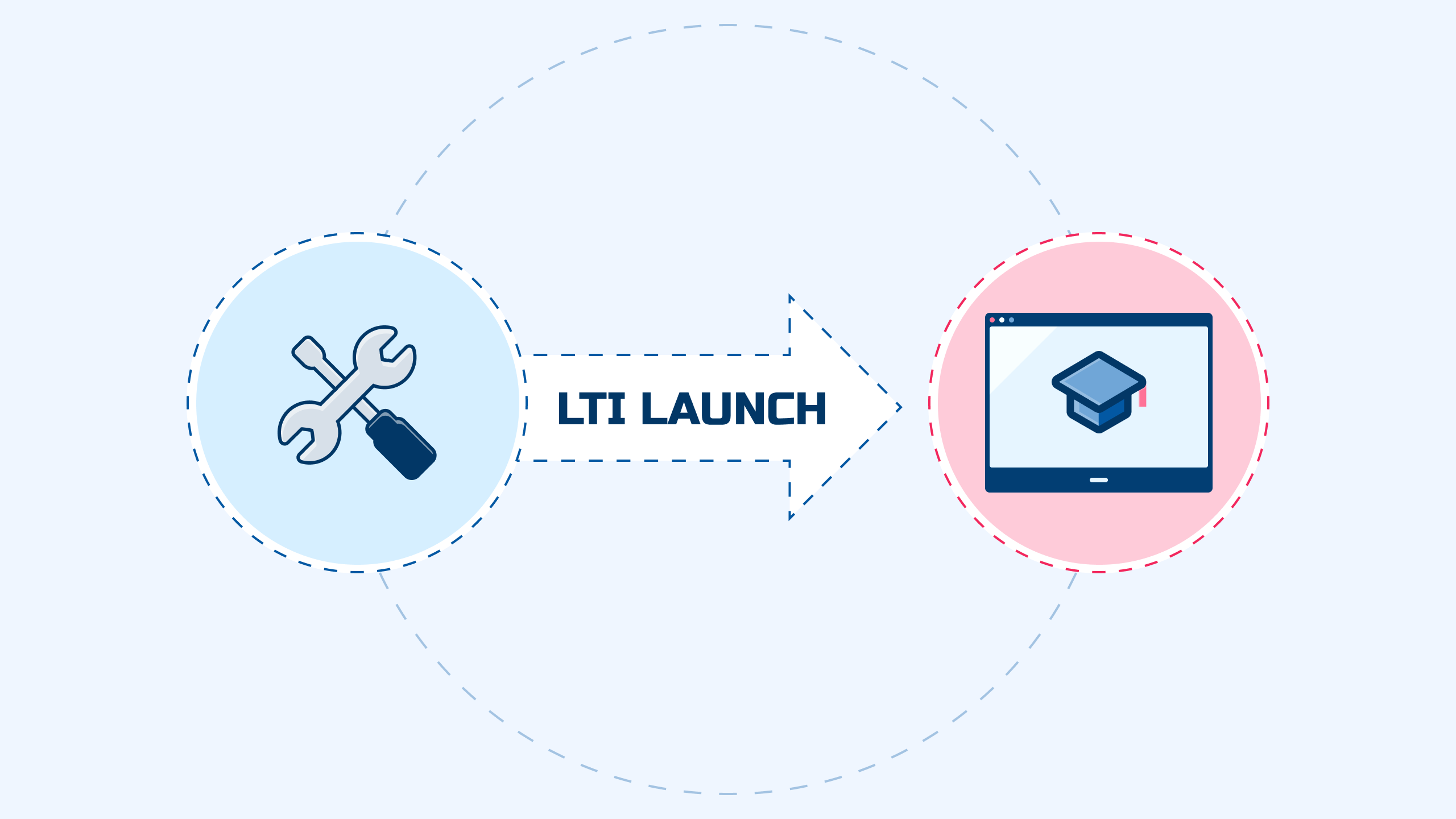
Read the Launch Context
One request returns a formatted ID Token: who launched, which LMS they came from, the course context, and which LTI® services that launch has access to. Use it to log the user in or provision an account.
Retrieving the ID Tokenconst url = 'https://your.ltiaas.com/api/idtoken';
const headers = {
Authorization: `LTIK-AUTH-V2 ${API_KEY}:${ltik}`,
};
const { data } = await axios.get(url, { headers });
const user = data.user; // name, email, roles
const platform = data.platform; // which LMS this came from
const services = data.services; // what this launch can call
Retrieve the Course Roster
Names and Roles Provisioning lists everyone enrolled in the course the launch came from, along with their role, so you can tell teachers from students without asking.
Retrieving the course rosterconst url = 'https://your.ltiaas.com/api/memberships';
const headers = {
Authorization: `LTIK-AUTH-V2 ${API_KEY}:${ltik}`,
};
const { data } = await axios.get(url, { headers });
for (const member of data.members) {
console.log(member.name, member.email, member.roles);
}
Create Grade Lines and Submit Scores
Assignment and Grade Services let you create a line item in the LMS gradebook, then post scores against it as learners work through your tool.
Manipulating gradesconst url = `https://your.ltiaas.com/api/lineitems/${lineItemId}/scores`;
const headers = {
Authorization: `LTIK-AUTH-V2 ${API_KEY}:${ltik}`,
};
await axios.post(url, {
userId: '5323497',
scoreGiven: 95,
activityProgress: 'Completed',
gradingProgress: 'FullyGraded',
comment: 'This is exceptional work.',
}, { headers });
Let Teachers Choose What to Embed
Deep linking hands the LMS a form describing one or more resources from your tool. The teacher picks during setup, and each choice becomes its own link back into your application.
Deep linkingconst url = 'https://your.ltiaas.com/api/deeplinking/form';
const headers = {
Authorization: `LTIK-AUTH-V2 ${API_KEY}:${ltik}`,
};
const { data } = await axios.post(url, {
contentItems: [{
type: 'ltiResourceLink',
title: 'Chapter 1',
url: 'https://your.ltiaas.com/lti/launch?resource=123',
}],
}, { headers });
// Return data.form to the browser to submit it back to the LMS.
Register Platforms Without the Back and Forth
Dynamic registration lets an LMS admin connect your tool from their own console in a single step. Registrations you take on manually stay editable in the customer portal or through the admin API.
Dynamic registration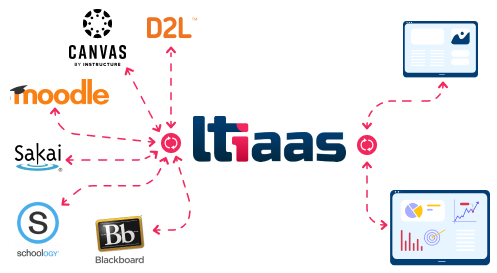
Start with a Free Account
Accounts include five free monthly active users, so you can register an LMS and run a real launch end to end before you pay anything.
